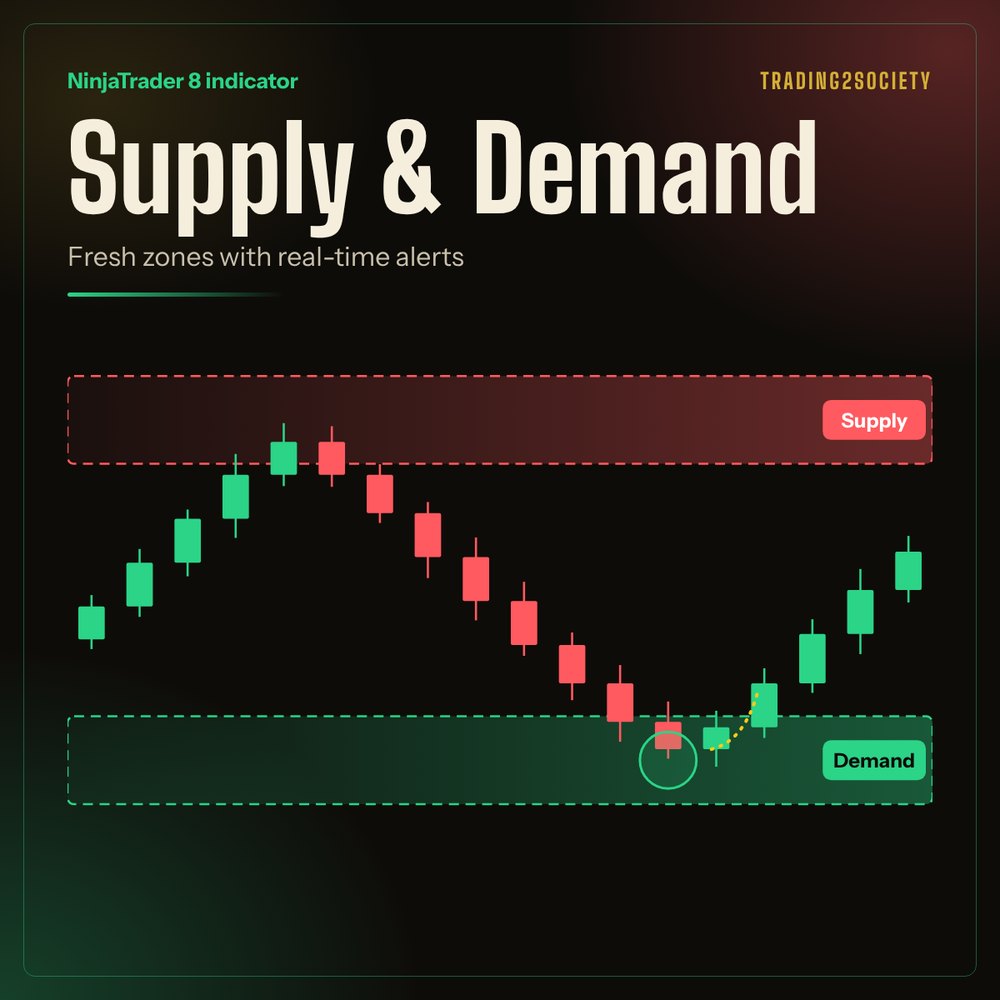
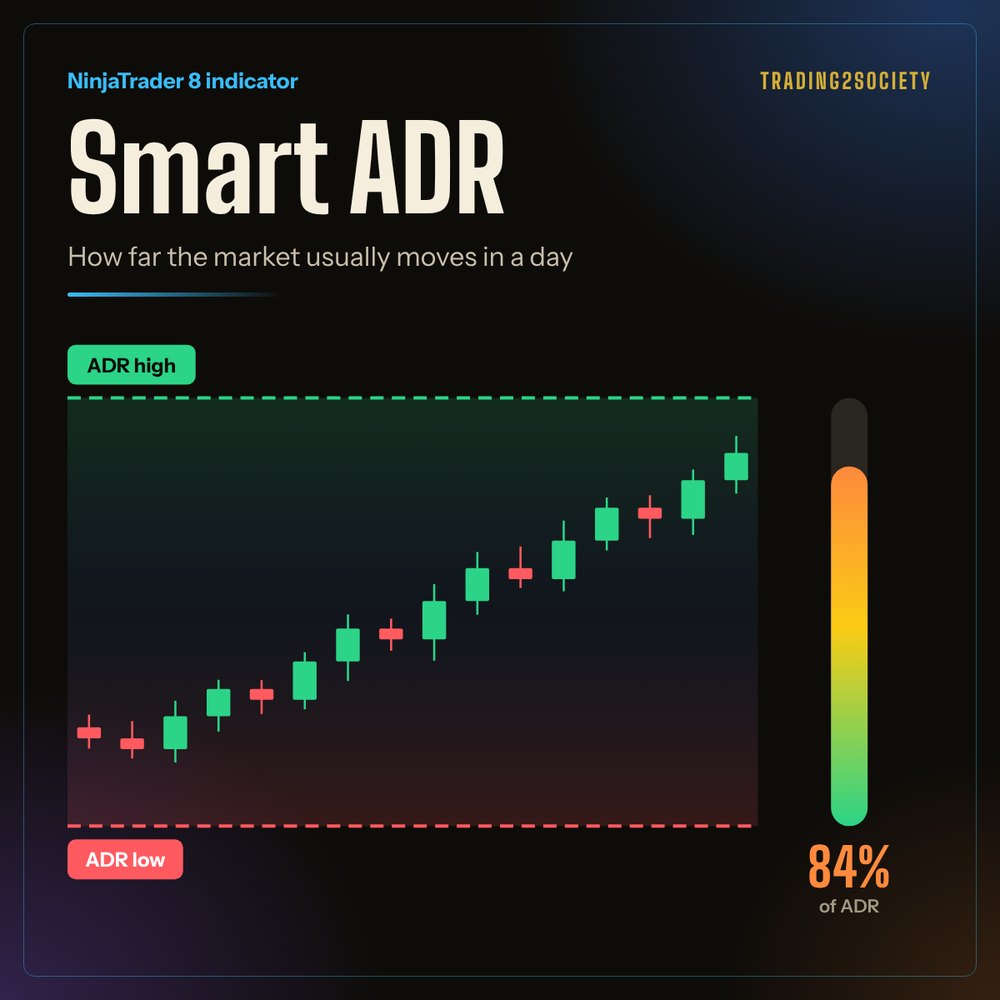
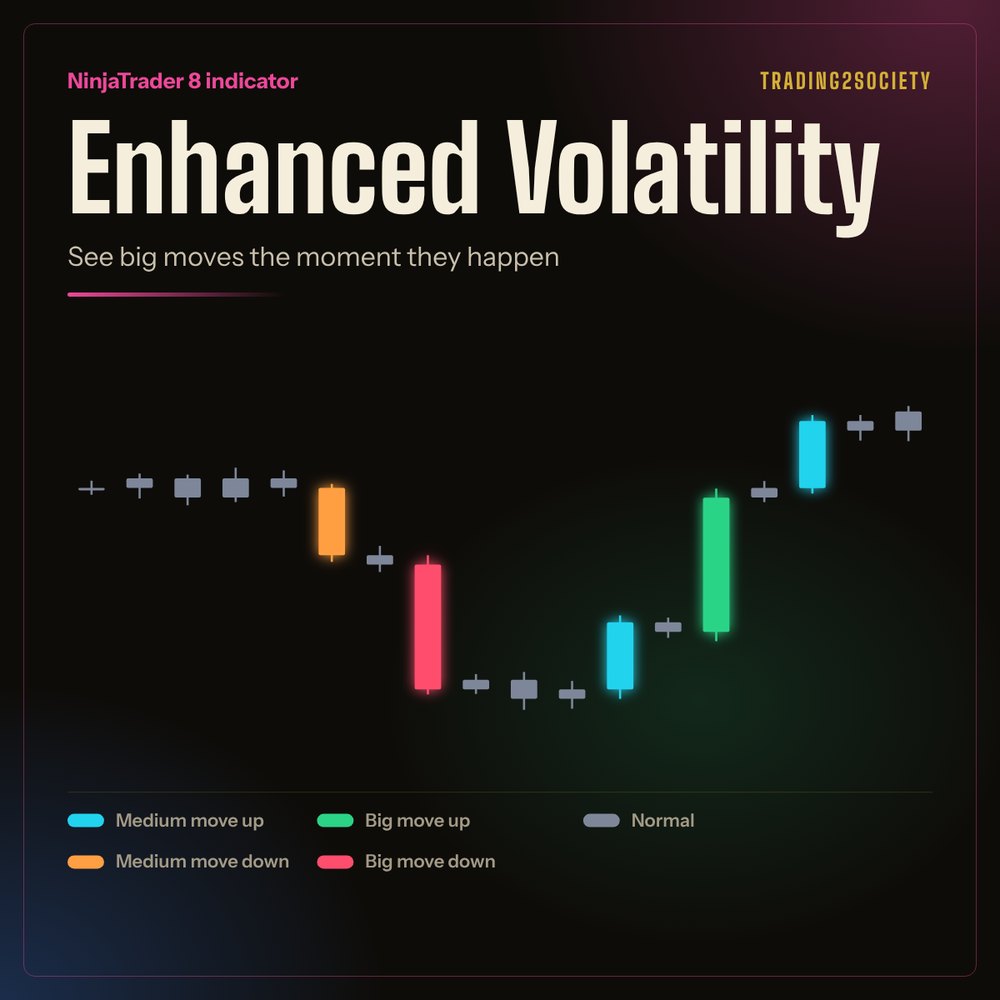
Trade smarter

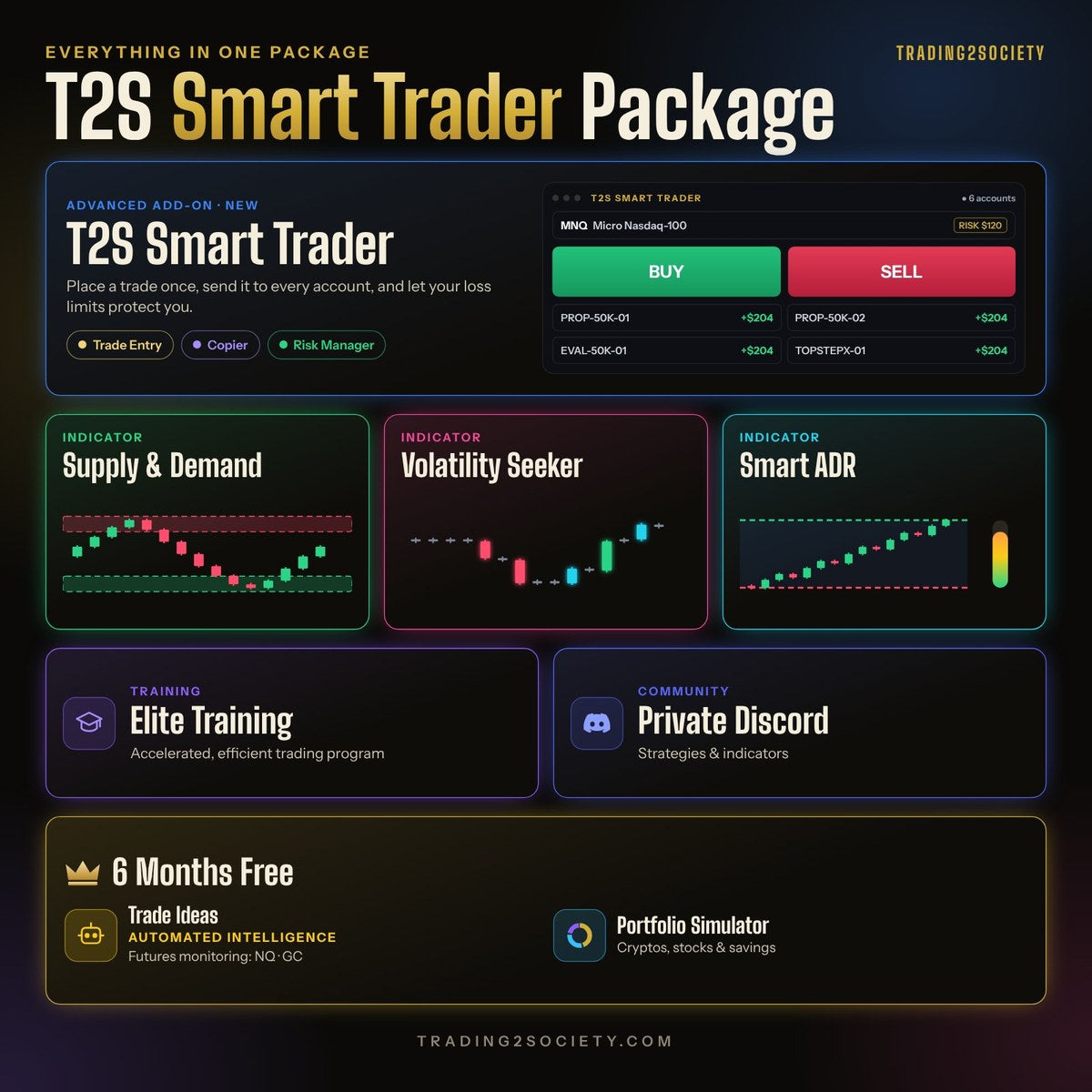
Exclusive: T2S Smart Trader, one window to enter your trades, copy them to every account and cap your losses. Our NinjaTrader 8 indicators watch the market for you and alert you by email, text message or sound. Learn the strategies in Elite Training and get trade ideas generated by automated intelligence, all included in our Smart Trader Package.

Trade ideas are for education only, not financial advice.

Take profit Entry Stop loss

NinjaTrader 8 add-on

T2S Smart Trader

Trade Entry, Copier & Risk Manager in one window.

Place a trade once, send it to every account, and let your loss limits protect you.

  • NinjaTrader 8 Connections
  • TopstepX
T2S Smart Trader

Trade Entry

  • Orders sized to your risk per trade, with a stop and a target on every order
  • Live price in one click, from NinjaTrader or TopstepX
  • Your NinjaTrader ATM templates, or your own presets
  • Limit, market and stop entries; straddles on NinjaTrader connections
Copier

  • One click sends the trade to all your accounts: Sim, live and prop-firm
  • A multiplier per account
  • Account groups to pick your accounts in one tap
  • Exit & Cancel All closes every account and confirms when you're flat

Risk Manager

  • Daily loss limit and max trades per day, per account
  • Profit lock and cool-down after losses
  • Lock me out: positions close and new orders are blocked, in NinjaTrader too

Cool Features

  • Export your daily session to PDF EXCEL
  • Share your day as a rank card 🏆

Licensed to your NinjaTrader account email through NinjaTrader's official Vendor Licensing. No Machine ID.

New trader? Ready to go live?

Choose your path

Two ways to start trading for real. Open your own live account with NinjaTrader and keep every profit, or join a funded program, with instant funding available, and trade the firm's capital. Compare the stats, pick your class and begin your quest.

From purchase to your first alert

Indicator licences are linked to your computer's NinjaTrader Machine ID. T2SSmartTrader is linked to your NinjaTrader account email instead. You can activate them yourself in a couple of minutes.

  1. Choose an indicator or add-on

    Pick a licence for one or two computers. Use the same email you'll sign in with.

    Browse indicators

  2. Install it in NinjaTrader

    Import the indicator or add-on file into NinjaTrader 8. The guide walks through each screen.

    Installation guide

  3. Activate your licence

    Sign in, choose your product and paste your Machine ID, or enter your NinjaTrader account email. Restart NinjaTrader and you're ready.

    Activate a licence

Supply and demand, the key strategy

The idea every one of our tools is built on: price leaves zones behind when big orders move it, and it often reacts when it comes back. Here's how to read them.

Trade alongside us

Talk setups, indicators and strategy with other traders in our public Discord. Smart Trader Package members also get the private channels.


Members online

    Hang out with traders who get it Join Discord

    Our YouTube channel

    Free lessons on trading strategies and tools: Keltner channels, trend lines, breakouts and more. If you have spare time, have a look.